
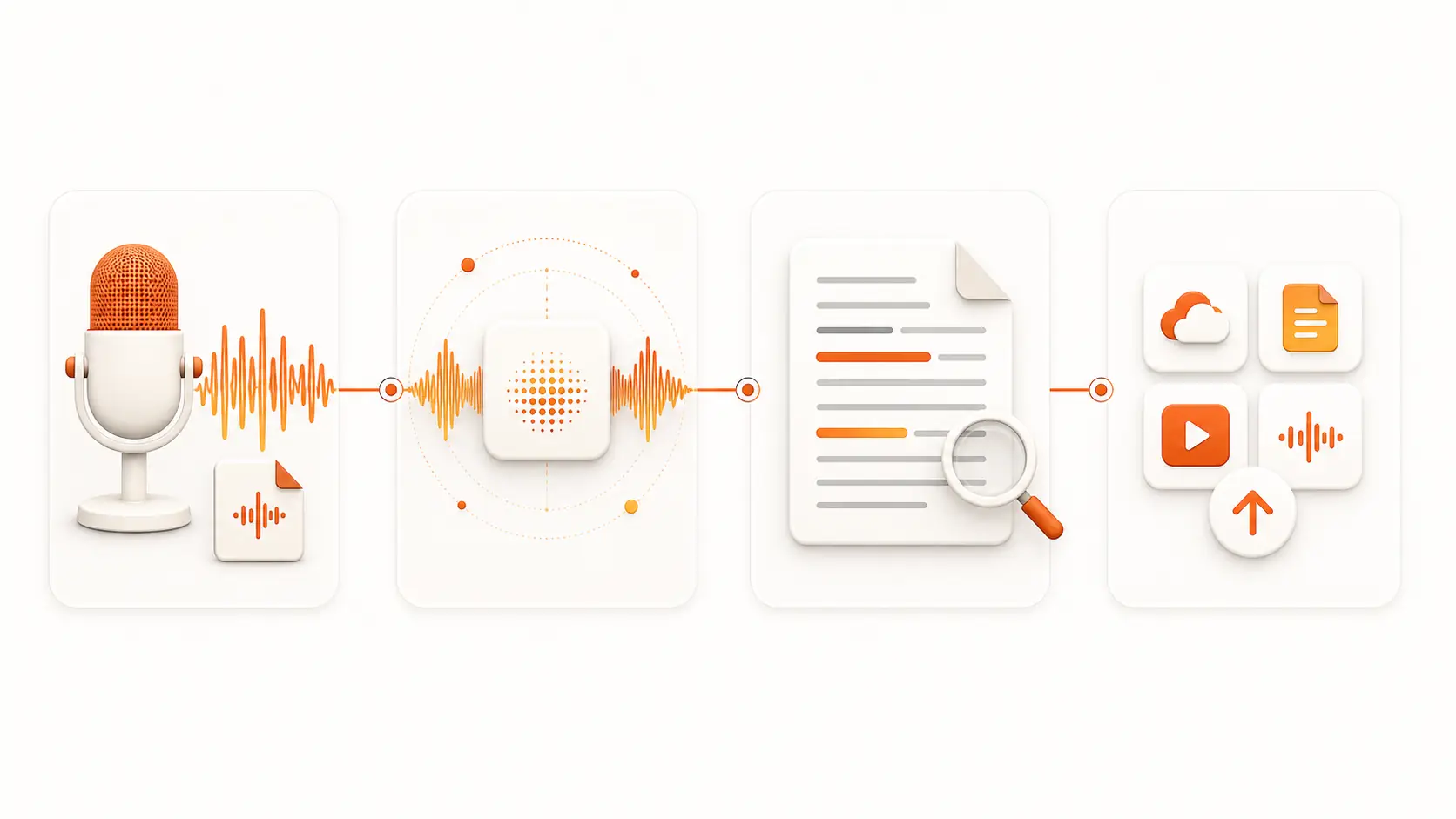
AI Transcription Powered by OpenAI Whisper
Use OpenAI Whisper technology to convert speech to text with strong accuracy across accents, noisy recordings, technical terms, and multilingual audio.
Use Whisper AI to convert speech to text online from audio, video, live recording, or a media URL. Create accurate AI transcripts, captions, notes, and searchable text with OpenAI Whisper technology.
AI speech to text
Audio intake
Whisper AI is an online speech to text workspace for turning spoken content into editable, searchable, and export-ready text. Upload audio or video, record in the browser, or import a media URL, then use AI transcription to create meeting notes, interview transcripts, podcast drafts, captions, and audio to text archives.
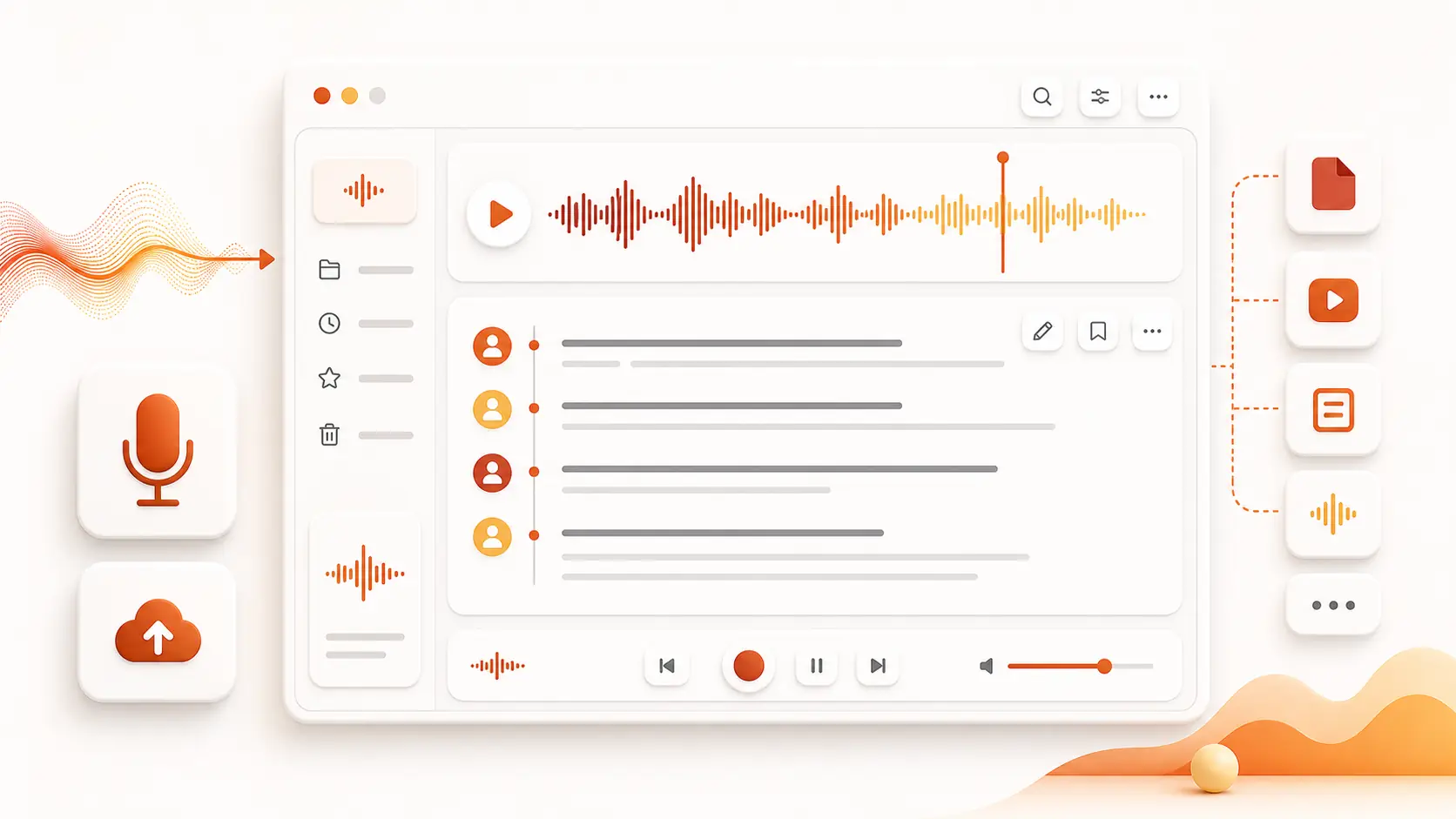
Bring upload, recording, language settings, transcript review, search, editing, and export into one focused Whisper AI workflow.
Convert meetings, interviews, podcasts, lectures, webinars, support calls, and video voice tracks into usable text.
Use the finished transcript for notes, captions, summaries, articles, documentation, archives, and downstream AI workflows.
Whisper AI focuses on the practical on-page workflow people search for: fast speech to text conversion, accurate AI transcription, flexible input methods, and clean exports.
Use OpenAI Whisper technology to convert speech to text with strong accuracy across accents, noisy recordings, technical terms, and multilingual audio.
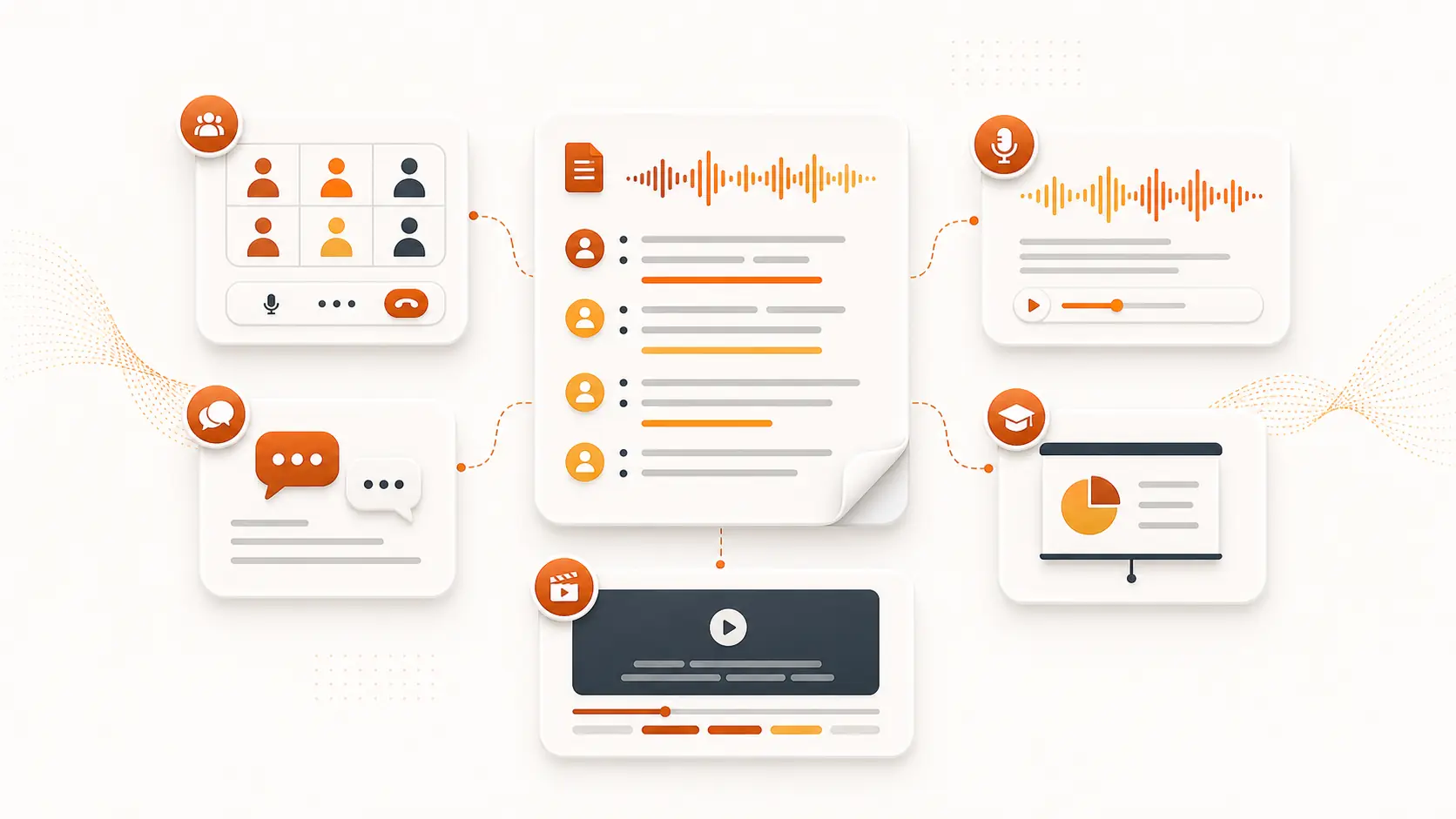
Turn recordings into meeting notes, interview transcripts, podcast articles, video captions, research quotes, and searchable business records.
Start a Whisper AI speech to text task from your browser with file upload, live recording, or URL import, then export TXT, SRT, DOCX, or JSON.
Everything on the landing page supports the core search intent: convert spoken audio into accurate text you can review, edit, search, and export.
Convert MP3, WAV, M4A, MP4, and other common media files into AI transcripts without moving between tools.
Capture a fresh voice note, meeting, lecture, or interview and send it straight into the speech to text workflow.
Paste a media link when you need audio to text conversion without a separate download and re-upload step.
Auto-detect the spoken language or choose one manually, and enable speaker labels for interviews and meetings.
Review the current transcript, search important moments, correct wording, and prepare text for publishing or internal notes.
Export speech to text results as TXT, SRT, DOCX, or JSON for captions, documents, archives, and data workflows.
Start with 5 free minutes. All signed-in users can use AI tools with credits; subscriptions and credit packs increase your available balance.
Best for consistent light transcription.
Includes
Yearly billing, shown as the monthly equivalent.
Best value for creators and teams using AI.
Includes
Yearly billing, shown as the monthly equivalent.
Best for high-volume transcription and AI workflows.
Includes
Yearly billing, shown as the monthly equivalent.
Get answers to common questions about Whisper AI, speech to text conversion, audio to text workflows, accuracy, formats, and exports.
Whisper AI is an online speech to text and AI transcription workspace. It helps you upload audio or video, record in the browser, or import a media URL, then turn spoken words into searchable text.
Click questions to expand detailed answers
Upload audio, record in your browser, or import a media URL and turn spoken content into accurate, editable, export-ready text.